 English
 Chinese (Simplified)
 French
 German
 Italian
 Japanese
 Russian
 Spanish
 Vietnamese

Web Outlook theme error with white box display element
-
Hi,
One user uses 2 browsers and 2 accounts on their computer due to their job requirement.
Meaning one account is logged in using chrome and the other is logged in using firefox. Otherwise it'll knock one of the sessions if its on the same browser.
latestest chrome and fire fox versions
chrome: Version 149.0.7827.201 (Official Build) (64-bit)
firefox: 152.0.4 (64-bit)
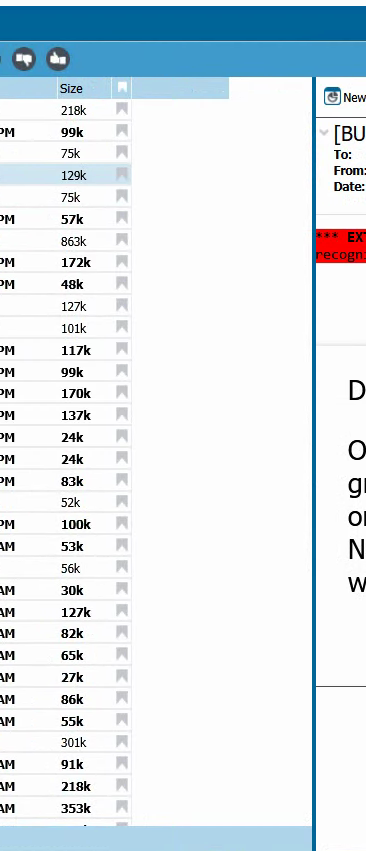
mdaemon: Daemon Server (64-bit)Webmail HTTP server: v26.0.3Webmail DLL: v26.0.3What is happening is that there a white box element that gliches on the screen for an image in an email, in this example it happened to be a Newdays image. Very hard to notice but if you look at the dividing lines you'll see that they stop after a few and this is because there is that white box element. What begins to happen is that the it goes from white box to displaying the image which blocks the users view. Already did basic troubleshooting not sure how you would be able to recreate this but just reporting it. Note that this happens on both browsers, on both sessions at the same time, this could just be an edge case but had the user switch to pro and issue went away.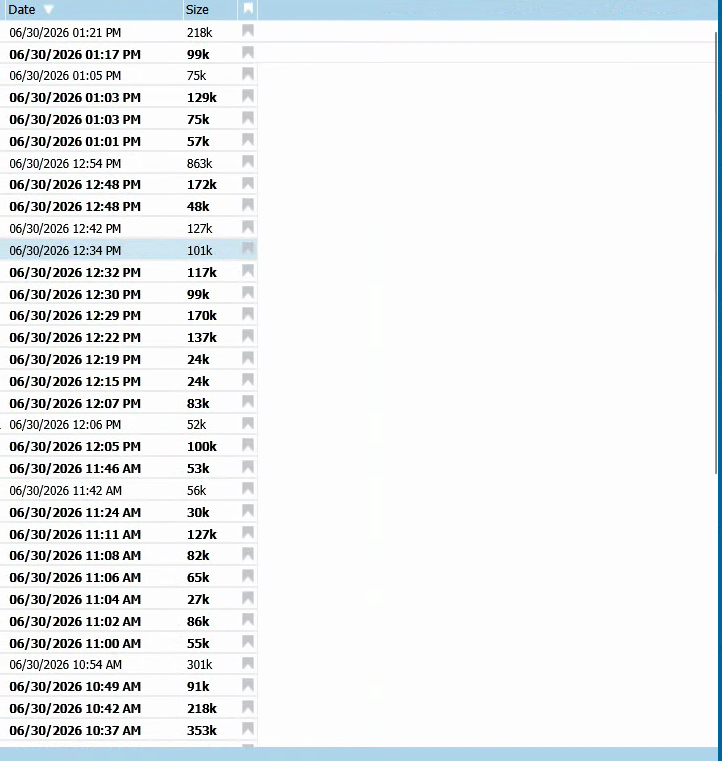
-
 Jonathan Staff
Hi Brayan,
There are a few things I would suggest. Rearranging the columns, either through the right click context menu in the message list "Re-Order Columns" option or through Settings -> Columns
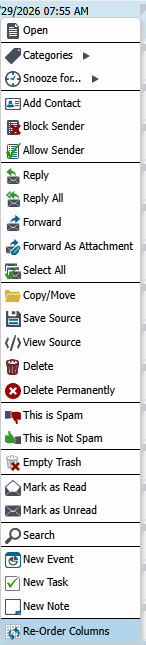
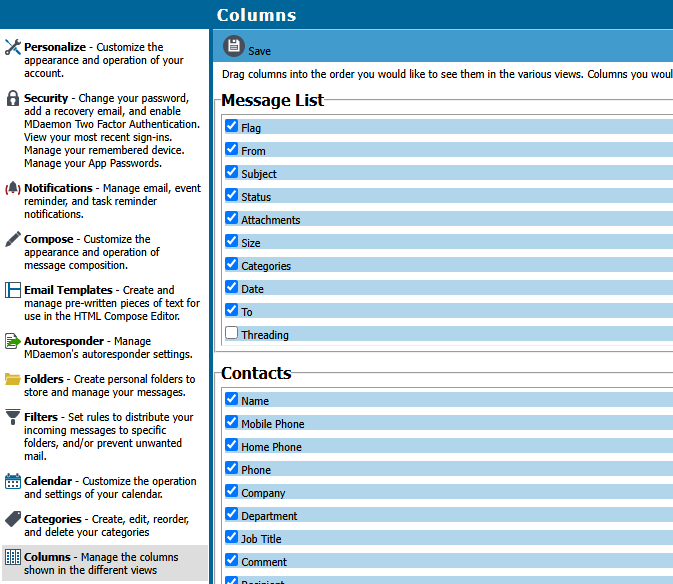
OR
Resize the columns

In either case, the empty space at the end is just unfilled by columns and is an expected side effect of larger or HD monitors.
We no longer update the LookOut theme. We highly recommend moving to a newer theme.
-
